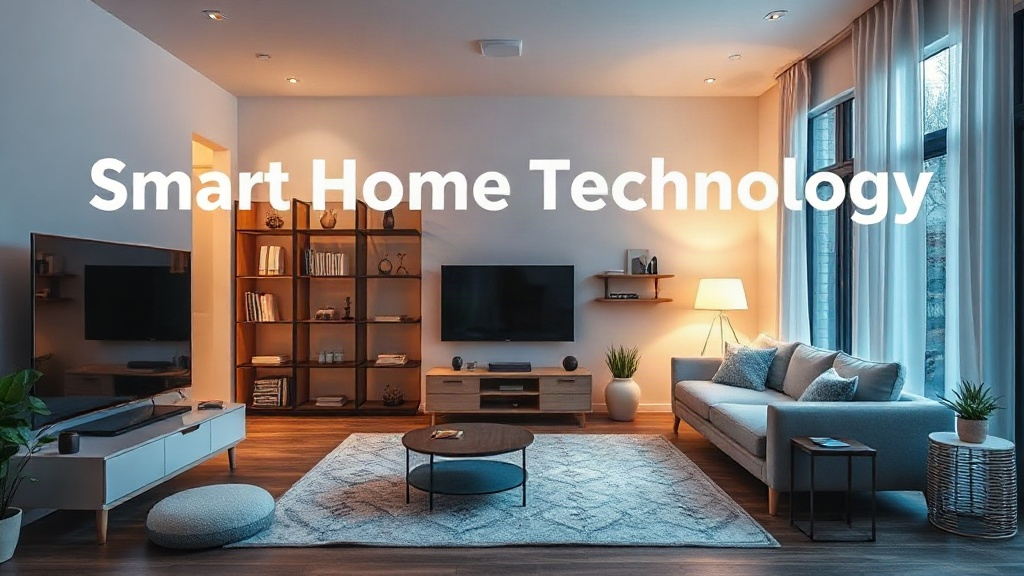
A useful smart home technology guide starts with a boring question: what do you actually want your house to do? Most people buy a smart speaker first and then spend months adding gadgets that never talk to each other. The better path is to decide on one or two daily frustrations, such as forgotten lights or a chilly bedroom, and pick devices that solve them. Reading an artificial intelligence insights blog can help you understand how these devices make decisions. This guide explains the pieces, the pitfalls, and the order that keeps costs sane.
Quick answer: Start with a reliable hub or platform, then add devices that use a shared standard such as Matter or Zigbee. Prioritize lighting, heating, and security before novelty items. Buy slowly, keep a simple network, and check that every device works without the internet for basic tasks.
What is smart home technology guide?
A smart home technology guide is a practical map of the devices, apps, and network choices that let your home respond to schedules, sensors, and voice commands. It is less about buying the newest gadget and more about picking a foundation everything else can join. That foundation usually has three layers: a controller, a network, and the devices themselves.
The controller is the app or hub that runs your routines. It might be a dedicated hub, a smart speaker, or a platform like Apple Home, Google Home, or Amazon Alexa. The network is how devices talk: Wi-Fi, Bluetooth, Zigbee, Z-Wave, or Thread. The devices are the lights, plugs, locks, thermostats, and sensors you actually touch.
Smart homes work best when every layer uses a shared language. Matter is an open standard designed to let devices from different brands work together. Thread is a low-power network built for sensors and small devices. Zigbee and Z-Wave have long track records, but they usually need a hub that supports them.
Consider a simple example. A motion sensor in a hallway can trigger a light through a hub. If the sensor and the bulb both support Matter, the setup is often quick. If they come from two ecosystems with no bridge, you may need a workaround or a second app.
The term also covers how much automation you want. Some households want voice control for music and timers. Others want heating that learns a schedule, cameras that alert on movement, and locks that open for a delivery. Each level adds convenience, but each also adds a device that needs updates and a plan for when it fails.
A $30 bulb on the right platform often delivers more value than a $200 gadget on the wrong one.
Takeaway: choose the controller and network first, then buy devices that fit them, not the other way around.
Why smart home technology guide matters

A clear guide matters because smart home purchases are hard to undo. A thermostat wired into your heating system, a door lock fitted to your door, and cameras screwed to your walls all carry installation costs and commitment. Getting the platform wrong means paying twice.
It also matters for security. Every connected device is a small computer on your network. Cheap devices with weak default passwords are a known weak point. A guide that tells you to change passwords, enable two-factor authentication, and keep firmware current prevents problems that are far harder to fix later.
Cost control is another reason. Smart home spending creeps. A speaker here, a plug there, and suddenly you own four apps and three hubs. Mapping your needs first keeps the total reasonable and stops you from buying overlapping devices.
Reliability deserves attention too. Cloud-dependent devices stop working when your internet drops or a manufacturer shuts down its service. Devices that run locally through a hub keep working. Knowing this before you buy saves frustration during a storm or an outage.
There is also the resale and rental angle. If you rent, stick to plug-in devices and removable mounts. If you own, think about what stays with the house. A buyer may not want your account-linked cameras, so plan to reset and remove them.
Takeaway: treat a smart home as infrastructure, not shopping. The decisions that matter most are the ones that are hardest to reverse.
Best practices
Good planning beats good gadgets. These practices keep a system understandable and affordable.
Pick one primary platform and one backup. Most homes end up with a main app for routines and a voice assistant for quick commands. Decide which one owns the automation logic. Running the same routine in two apps causes conflicts and confusion.
Favor local control where you can. A hub that processes routines on-site keeps lights and heating working during an internet outage. Cloud features are fine for remote access, but basic tasks should not depend on a server you do not control.
Build room by room. Start with one room, such as the living room or bedroom, and finish it before moving on. You learn the app, the quirks, and the network behavior at a small scale.
Keep your Wi-Fi network simple. Put smart devices on a separate network or guest band when your router supports it. This limits exposure if one device is compromised and reduces clutter on your main network.
Name everything clearly. Label devices by room and function, such as “Kitchen ceiling light” rather than “Lamp 2.” Voice assistants and routines rely on names, and vague names cause misfires.
Write down your setup. A short list of devices, accounts, and passwords kept somewhere secure makes troubleshooting and moves much easier. For broader guidance on organizing digital projects, CreativeBizServices offers useful context.
Update on a schedule. Check for firmware updates monthly. Updates fix security holes and improve compatibility, though they occasionally break routines, so test after each one.
Takeaway: simplicity and local control are the two habits that keep a smart home stable over years.
Common mistakes to avoid
Most smart home regrets trace back to a handful of predictable errors. Avoiding them saves money and frustration.
Buying before choosing a platform. A bargain camera that only works with one app can lock you into an ecosystem you did not plan for. Check compatibility before checkout.
Trusting the cloud for everything. If a device needs an internet connection to turn on a light, it is a liability. Prefer local control for core functions and keep cloud use for remote access.
Over-automating too early. Complex routines with many conditions are hard to debug. A motion sensor that triggers three lights, a fan, and a notification sounds clever until it fires at 2 a.m. Start with one trigger and one action.
Ignoring the network. Video doorbells and cameras consume bandwidth. A weak router causes dropped connections and laggy video, which people often blame on the devices.
Skipping security basics. Change default passwords, enable two-factor authentication, and remove devices you no longer use from your account. An old camera still linked to your account is an open door.
Forgetting about privacy. Read what data a device collects and where it goes. Some cameras and assistants process audio or video in the cloud. Choose settings that match your comfort level.
A smart lock with a dead battery or a failed hub can leave you outside. Keep a physical key or backup entry method.
Takeaway: the cheapest mistake is the one you avoid by checking compatibility, security, and backup access before buying.
FAQ
How much does a basic smart home cost?
A starter setup with a hub or speaker, a few smart plugs, and smart bulbs often costs $150 to $300. Room-by-room additions typically run $100 to $500 per room depending on cameras, locks, and thermostats. Installation fees for wiring or locks add to the total.
Do I need a hub if I use Matter devices?
Not always. Many Matter devices connect directly to a compatible app or platform. A hub still helps if you want local automation, support for older Zigbee or Z-Wave devices, or routines that run without the internet.
Will smart devices work during an internet outage?
Some will, some will not. Devices that store routines locally on a hub usually keep working. Cloud-dependent devices often stop. Check product documentation for local control before you buy.
Is a smart home worth it for renters?
Yes, if you stick to plug-in and removable devices. Smart plugs, bulbs, and portable sensors need no drilling. Avoid wired thermostats and locks that require permanent changes without landlord approval.
Which room should I start with?
Start with the room you use most in the evening, often the living room or bedroom. Lighting and a smart plug give quick wins and teach you the app before you scale up.
Conclusion
A smart home rewards patience more than spending. Choose one platform, favor devices that share a standard like Matter, and keep core routines running locally. Build room by room, name devices clearly, and treat security as part of the setup rather than an afterthought. Your next step is simple: list the two daily annoyances you want to fix, check which platform supports them, and buy only the devices that solve those problems.