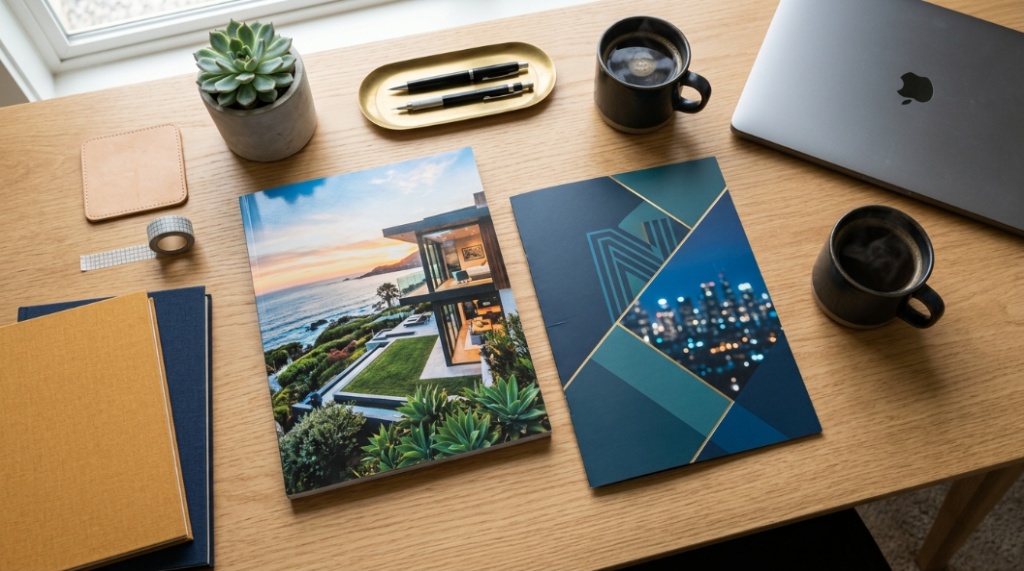
The right paper GSM can dramatically improve print quality, reduce ink bleeding, prevent paper jams, and make documents look more professional. Whether you use inkjet paper for home printing or laser paper for office documents, choosing the correct GSM affects color accuracy, durability, texture, and overall presentation.
What Is Paper GSM and Why Does It Matter for Printing?
Paper GSM refers to the weight of paper measured in grams per square meter, and it directly impacts print quality, thickness, durability, and printer compatibility.
Many printing problems happen because people choose the wrong paper type. Thin paper may wrinkle, curl, or allow ink to bleed through. Heavy paper can jam printers or fail to absorb toner properly. Understanding GSM helps you match the paper to the project.
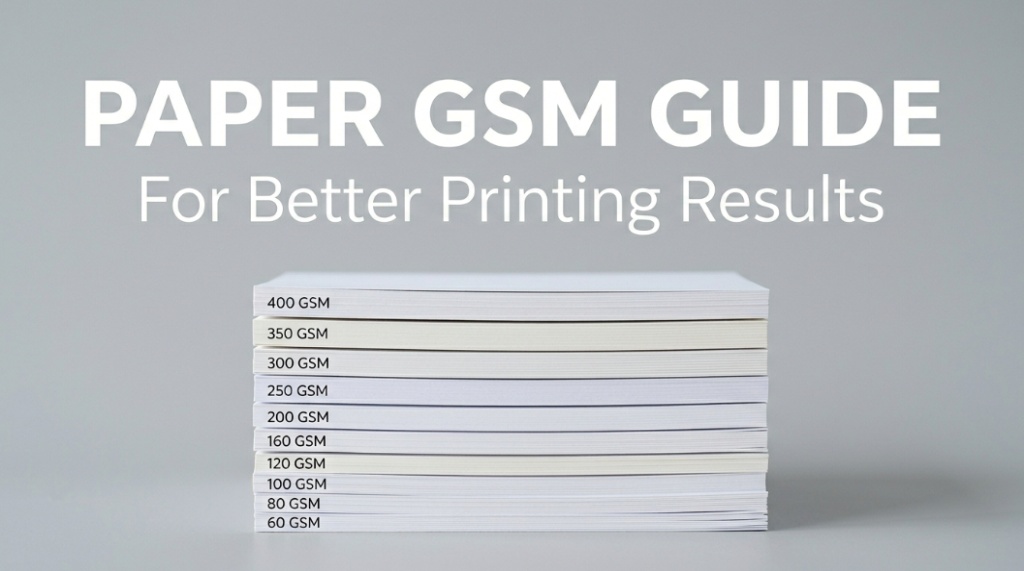
GSM stands for “grams per square meter.” Higher GSM means thicker and heavier paper. Lower GSM means lighter and thinner paper.
For example:
- 70–90 GSM = standard office paper
- 100–170 GSM = brochures and flyers
- 200–350 GSM = business cards and premium prints
Both inkjet printers and laser printers perform differently depending on paper weight. Using the wrong GSM can lower print sharpness and shorten printer lifespan.
How Does GSM Affect Print Quality?
Higher GSM paper usually produces sharper prints, richer colors, and better durability, while lower GSM paper is more affordable and suitable for everyday printing.
Paper weight affects how ink or toner interacts with the sheet surface. Thin paper absorbs moisture faster and can create blurred text or uneven graphics. Thicker paper holds ink more effectively and feels more premium.
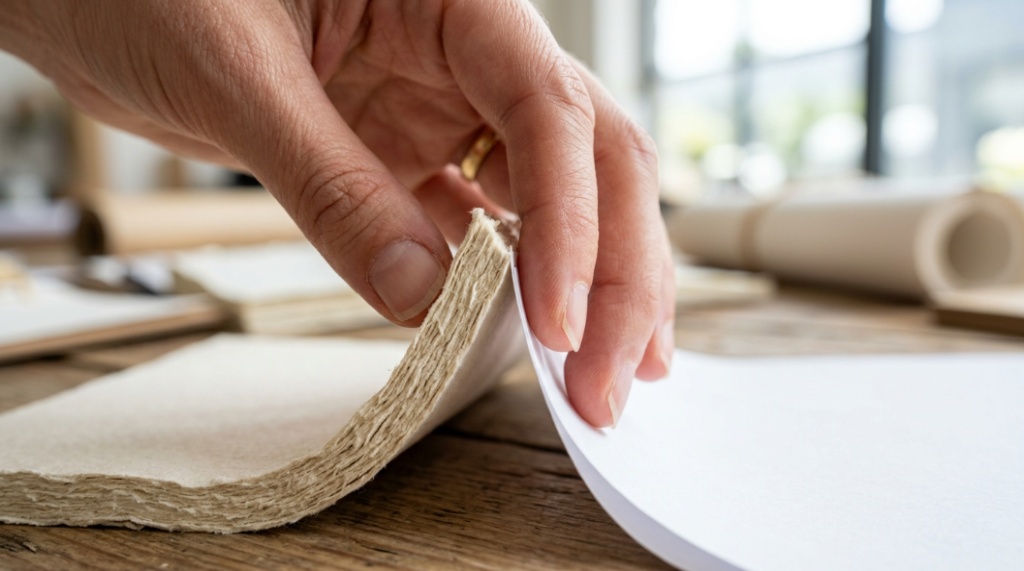
What Happens When GSM Is Too Low?
Low GSM paper can cause transparency, wrinkling, ink bleeding, and poor color reproduction.
Common issues include:
- Text showing through the back side
- Ink feathering on inkjet printers
- Paper curling after printing
- Torn edges during handling
- Weak presentation quality
Cheap 70 GSM paper may work for drafts but often struggles with photo printing or heavy graphics.
What Happens When GSM Is Too High?
Very thick paper may cause printer jams or feeding issues if the printer does not support heavy media.
Laser printers use heat and pressure to fuse toner. Thick cardstock requires compatible feed rollers and heat settings. Inkjet printers may also struggle if the paper exceeds supported thickness.
Always check your printer’s maximum paper weight specifications.
What GSM Is Best for Inkjet Paper?
Inkjet paper performs best between 90 GSM and 200 GSM depending on the type of printing project.
Inkjet printers spray liquid ink onto paper. Because liquid spreads easily, paper coating and thickness are critical.
Recommended GSM for Inkjet Printing
| Printing Use | Recommended GSM |
|---|---|
| Draft documents | 70–80 GSM |
| Standard home printing | 80–100 GSM |
| Reports and presentations | 100–120 GSM |
| Flyers and brochures | 130–170 GSM |
| Photo printing | 180–300 GSM |
Photo paper designed for inkjet printing often includes glossy or matte coatings that improve image sharpness and reduce smudging.
Why Does Inkjet Paper Need Better Absorption?
Inkjet paper is designed to absorb liquid ink quickly without spreading or smearing.
Special coatings control how droplets settle on the paper surface. This helps preserve fine details and color accuracy.
Premium inkjet paper is especially important for:
- Photo printing
- Marketing materials
- Art prints
- Presentation documents
- Color-rich graphics
According to printing industry research, coated inkjet papers can improve color density and image sharpness significantly compared to standard copier paper.
What GSM Is Best for Laser Paper?
Laser paper typically works best between 80 GSM and 160 GSM, depending on printer capability and document type.
Laser printers use toner powder and heat instead of liquid ink. Because toner sits on the paper surface rather than soaking in, laser paper focuses more on heat resistance and smoothness.
Recommended GSM for Laser Printing
| Printing Purpose | Recommended GSM |
|---|---|
| Everyday office printing | 80 GSM |
| Business documents | 90–120 GSM |
| Professional presentations | 120–160 GSM |
| Certificates and covers | 160–250 GSM |
Many office laser printers are optimized for 80 GSM paper because it balances cost, speed, and performance.
Can Laser Printers Handle Heavy Paper?
Some laser printers support cardstock and heavy GSM paper, but compatibility depends on the printer model.
Business-grade laser printers usually support thicker media through manual feed trays. Consumer printers often have lower limits.
Using unsupported paper weight can cause:
- Toner cracking
- Paper jams
- Incomplete fusing
- Roller damage
- Warping from heat
What Is the Difference Between Inkjet Paper and Laser Paper?
Inkjet paper focuses on ink absorption, while laser paper focuses on heat resistance and toner adhesion.
Although some papers are labeled “multi-purpose,” specialized paper improves results dramatically.
| Feature | Inkjet Paper | Laser Paper |
|---|---|---|
| Ink Handling | Absorbs liquid ink | Handles dry toner |
| Surface Coating | Often coated | Smoother finish |
| Heat Resistance | Moderate | High |
| Best Use | Photos and color graphics | Sharp text documents |
| Drying Method | Absorption | Heat fusion |
Using inkjet paper in a laser printer can damage the printer if the coating melts under heat. Similarly, laser paper may not absorb inkjet ink properly, causing smears.
Which GSM Is Best for Common Printing Projects?
Different projects require different paper thickness levels for the best balance of appearance, durability, and printer performance.
What GSM Is Best for Resume Printing?
100–120 GSM paper is ideal for resumes because it feels professional without being too thick.
Recruiters often notice presentation quality immediately. Slightly heavier paper improves first impressions.
What GSM Is Best for Flyers?
130–170 GSM paper provides a strong balance between flexibility and durability for flyers.
This range supports vibrant color printing while remaining affordable for bulk production.
What GSM Is Best for Business Cards?
Business cards typically use 250–350 GSM cardstock for a sturdy, premium feel.
Thicker cards resist bending and create a more professional brand impression.
What GSM Is Best for Photo Printing?
Photo printing usually requires 180–300 GSM glossy or matte photo paper.
Higher GSM photo paper improves:
- Color depth
- Image sharpness
- Longevity
- Fingerprint resistance
- Professional presentation
Does Paper Finish Matter as Much as GSM?
Yes, paper finish affects color vibrancy, readability, texture, and overall print appearance alongside GSM.
Paper weight alone does not determine quality. Finish also changes how light interacts with printed content.
Common Paper Finishes
- Glossy: Best for photos and vibrant images
- Matte: Reduces glare and improves readability
- Satin: Balanced finish for graphics and text
- Uncoated: Natural texture for everyday printing
For example, glossy 200 GSM photo paper creates richer image contrast than uncoated paper with the same GSM.
How Can You Choose the Right Paper GSM for Your Printer?
The best way to choose paper GSM is to match your printer specifications with your printing goals.
Before buying paper, check:
- Maximum supported GSM
- Printer type (inkjet or laser)
- Feed tray compatibility
- Single-sided or double-sided printing needs
- Color or monochrome output
Why Printer Compatibility Matters
Even premium paper can produce poor results if the printer is not designed for that thickness or coating.
Modern printers often include media settings that adjust:
- Ink density
- Drying time
- Heat level
- Feed speed
- Toner adhesion
Selecting the correct paper type in printer settings improves quality significantly.
Can Higher GSM Improve Double-Sided Printing?
Yes, heavier paper reduces show-through and improves readability during duplex printing.
Thin paper often allows text or graphics to appear visible from the opposite side. This issue is called “ghosting” or “show-through.”
For double-sided documents, 100–120 GSM paper usually works best.
Educational institutions, corporate offices, and publishing companies commonly use slightly heavier stock for reports because it improves readability and durability.
Is Expensive Paper Always Better?
No, the best paper depends on your specific printing purpose, not simply the highest price or thickest GSM.
Using 300 GSM cardstock for everyday printing wastes money and may damage some printers. Likewise, cheap thin paper can reduce print professionalism.
The goal is balance:
- Use lighter paper for drafts
- Use medium GSM for business documents
- Use heavy GSM for premium marketing materials
Professional print shops often recommend choosing the lowest GSM that still achieves the desired visual and durability goals.
What Are Common Mistakes People Make When Choosing Paper?
The most common mistakes include ignoring printer compatibility, choosing paper based only on price, and confusing inkjet paper with laser paper.
Top Paper Selection Mistakes
- Using glossy inkjet paper in laser printers
- Buying thick cardstock for unsupported printers
- Ignoring coating differences
- Choosing low GSM for photo printing
- Using copier paper for marketing materials
- Skipping printer media settings
These mistakes often lead to poor print quality and increased maintenance costs.
How Does Paper Quality Affect Professional Branding?
Paper quality influences how customers perceive your brand, professionalism, and attention to detail.
Research in consumer psychology consistently shows that tactile experience affects perception. Heavier, higher-quality paper often creates stronger trust and perceived value.
For example:
- Luxury brands use thicker brochures
- Premium restaurants use heavier menus
- Corporate proposals often use 100–120 GSM paper
- High-end business cards use textured cardstock
Even small upgrades in paper quality can improve presentation significantly.
Conclusion: How Do You Choose the Best Paper GSM for Better Printing Results?
The best paper GSM depends on your printer type, printing purpose, and desired finish. Inkjet printers need absorbent paper that controls liquid ink, while laser printers require heat-resistant paper that supports toner adhesion. Choosing the right GSM improves sharpness, color quality, durability, and overall presentation.
For most everyday printing, 80–100 GSM works well. Professional documents perform better around 100–120 GSM. Marketing materials and photos usually require heavier stock between 130–300 GSM.
The key is matching paper weight and coating to your printer and project. Small adjustments in paper quality can create noticeably better results while reducing printer problems.
If you regularly print reports, photos, brochures, or branded materials, testing different paper GSM options can help you find the ideal balance between quality and cost.
FAQ: Paper GSM Guide for Better Printing Results
What does GSM mean in paper?
GSM means grams per square meter, which measures paper weight and thickness. Higher GSM paper is usually thicker, stronger, and more durable.
Is 100 GSM paper good for printing?
Yes, 100 GSM paper is excellent for professional documents, presentations, and double-sided printing. It offers better durability and reduced show-through compared to standard 80 GSM paper.
Can inkjet paper be used in laser printers?
Not always. Some coated inkjet papers may melt or warp under laser printer heat. Always check manufacturer compatibility before use.
What GSM paper is best for photos?
Photo printing typically works best with 180–300 GSM photo paper. Heavier paper improves image quality, durability, and professional appearance.
Does higher GSM mean better quality?
Not necessarily. Higher GSM means thicker paper, but the best quality depends on the project, finish, coating, and printer compatibility.
What paper GSM is best for office use?
80 GSM is the standard for office printing, while 90–100 GSM offers a more premium feel for business documents.
Why does paper curl after printing?
Paper curling often happens because of moisture imbalance, heat exposure, or low-quality paper. Using the correct GSM and printer settings can reduce curling.
📌 Related Reads
Discover: Paper GSM Guide for Better Printing Results
Explore: The Role of Professional Pest Control in Urban Environments